Skip to content

Why organizations choose HospAI

Hospitals choose HospAI when they need to replace fragmented tools with one workflow-driven platform. The focus is clear operations: faster front desk processing, cleaner billing handoffs, controlled user access, and better visibility for administrators.

  • Single source of truth across patient, lab, pharmacy, and billing.
  • Admin/normal user model with module-level permission assignment.
  • Audit-friendly records for key operational actions.
  • Responsive UI for desk and mobile workflows.
Hospital operations monitoring

Module coverage with real operational context

Each core module is available as a dedicated workspace with role-based access and connected data flow.


Patient management module context

Patient Management

  • Registration and OP/IP journey tracking
  • Bed movement and timeline notes
  • Medication scheduling support
Dashboard module context

Dashboard & Analytics

  • IP/OP, surgery, and accident summaries
  • Revenue and dues overview
  • Cross-module operational visibility
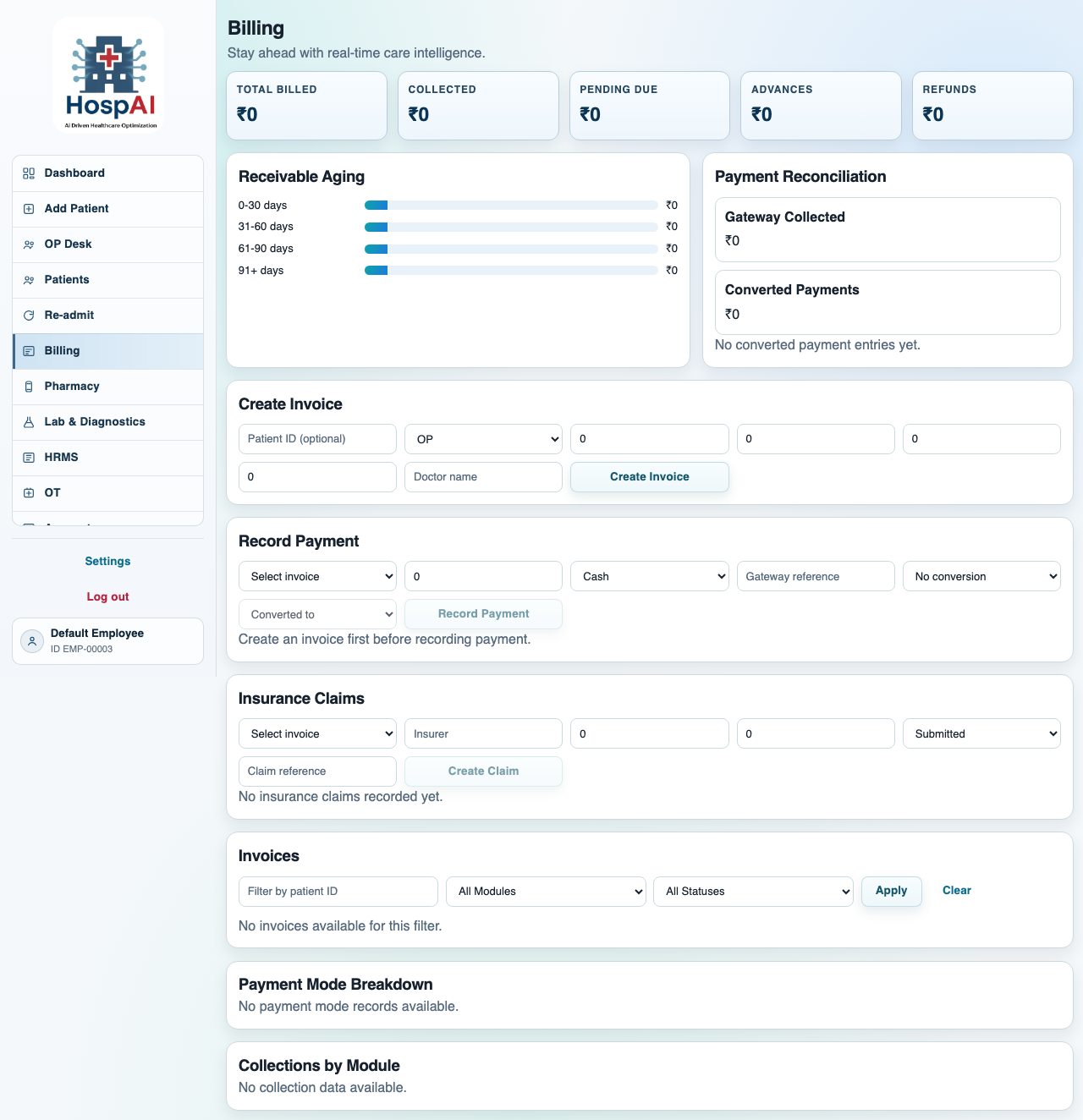
Billing module context

Billing & Collections

  • Integrated OP/IP/Lab/Pharmacy billing
  • Advance, refund, and reconciliation flows
  • Collections and payment tracking reports
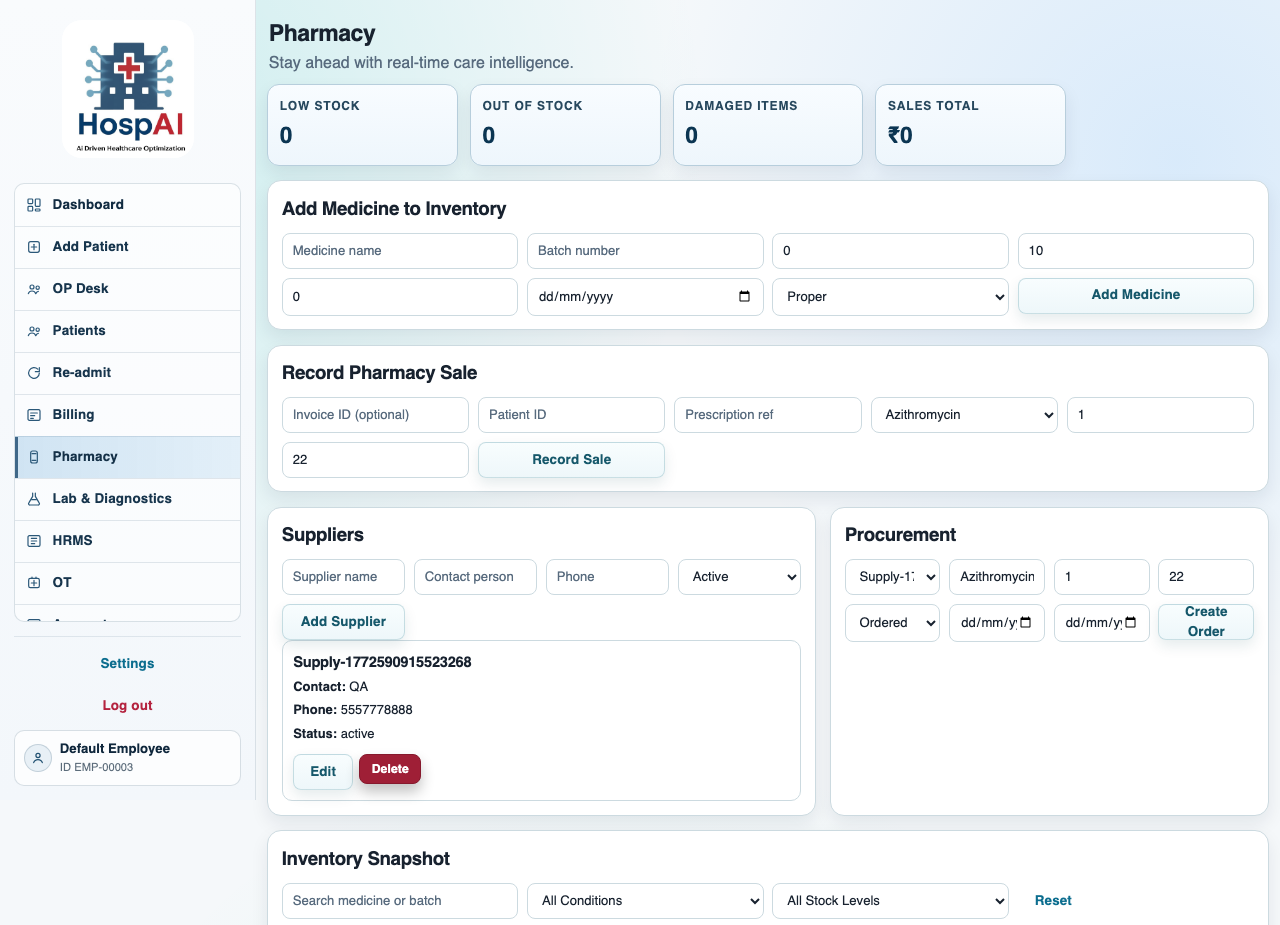
Pharmacy module context

Pharmacy Operations

  • Inventory and procurement lifecycle
  • Low-stock, expiry, and damage controls
  • Medicine sales and trend reporting
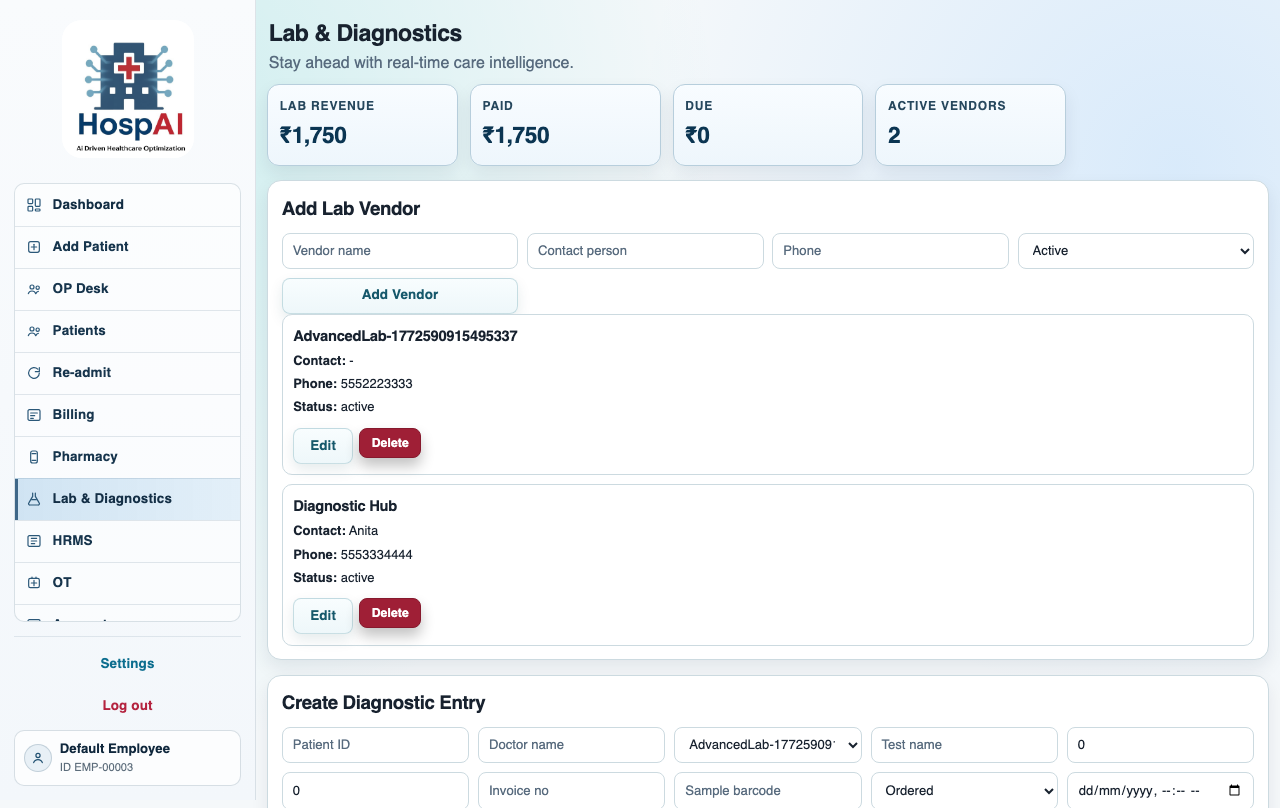
Diagnostics module context

Diagnostics & Lab

  • Vendor and doctor-wise test management
  • Income and due/paid lifecycle
  • Invoice-level diagnostics reporting
HRMS module context

HRMS

  • Employee records and department mapping
  • Attendance, leave, and payroll flows
  • Staffing visibility for operations teams

Dedicated workspaces for every module

Each module uses its own visual panel, operational summary, and workflow focus while remaining connected to the same hospital record system.

Patient management section visual
Patient management icon

Module 01

Patient Management

Handles registration, OP/IP classification, bed assignment, movement tracking, progress notes, and complete patient timeline continuity.

Primary workflows

Registration, admission, readmission, transfer

Supporting outputs

Visit timeline, ward notes, medication schedule

Dashboard icon

Module 02

Dashboard & Analytics

Consolidates admissions, occupancy, surgeries, revenue, dues, pharmacy status, and diagnostics activity into one management view.

  • Hospital summary cards for daily operations
  • Revenue and dues visibility for finance oversight
  • Cross-module monitoring for leadership review
Dashboard analytics section visual
Billing section visual
Billing icon

Module 03

Billing & Collections

Centralizes invoice generation, payment tracking, advances, refunds, settlement, and reconciliation for OP/IP/Lab/Pharmacy operations.

Coverage

OP/IP/Lab/Pharmacy

Controls

Advance, refund, reconciliation

Reports

Aging, collections, payment records

Pharmacy icon

Module 04

Pharmacy Operations

Supports inventory control, low-stock alerts, expiry monitoring, damaged stock tracking, and medicine sales visibility in one workflow.

  • Inventory and procurement lifecycle
  • Expiry, damage, and replenishment controls
  • Sales and stock reporting for pharmacy teams
Pharmacy section visual
Diagnostics section visual
Diagnostics icon

Module 05

Lab & Diagnostics

Coordinates vendor and doctor-wise tests, diagnostics billing status, and invoice-linked reporting for operational and financial clarity.

Operational scope

Test requests, vendors, doctors, results flow

Financial scope

Income, due/paid, invoice-wise analytics

HRMS icon

Module 06

HRMS

Maintains employee records, attendance, leave processing, payroll-support data, and department mapping for staffing visibility.

  • Employee onboarding and record maintenance
  • Attendance and leave approval workflows
  • Department-level workforce organization
HRMS section visual

Real care environments, diverse workflows

HospAI supports multidisciplinary teams across reception, nursing, diagnostics, pharmacy, finance, and leadership operations.


Front desk and patient interaction
Nursing station coordination
Diagnostics laboratory workflow
Support and onboarding collaboration
Nursing station operations

How daily workflow runs in HospAI

  1. Patient is registered and assigned OP/IP context.
  2. Diagnostics and medication requests flow through connected modules.
  3. Billing records consolidate charges by department.
  4. Payments and dues are tracked with reconciliation support.
  5. Management reviews dashboards and reports for decisions.

Security and governance built into the product

HospAI uses a strict role model (`admin`, `normal`) with module-level access assignment. Employee management remains admin-only. Permissions are backend-enforced and mirrored in frontend navigation to reduce accidental exposure.

  • Default-deny module access for unassigned users.
  • Audit logs for sensitive workflow changes.
  • Export paths for PDF and Excel reporting.
  • Cloud deployment support via Docker Compose/Coolify.
Hospital leadership governance review

Application Preview

Screens from the real HospAI application modules.
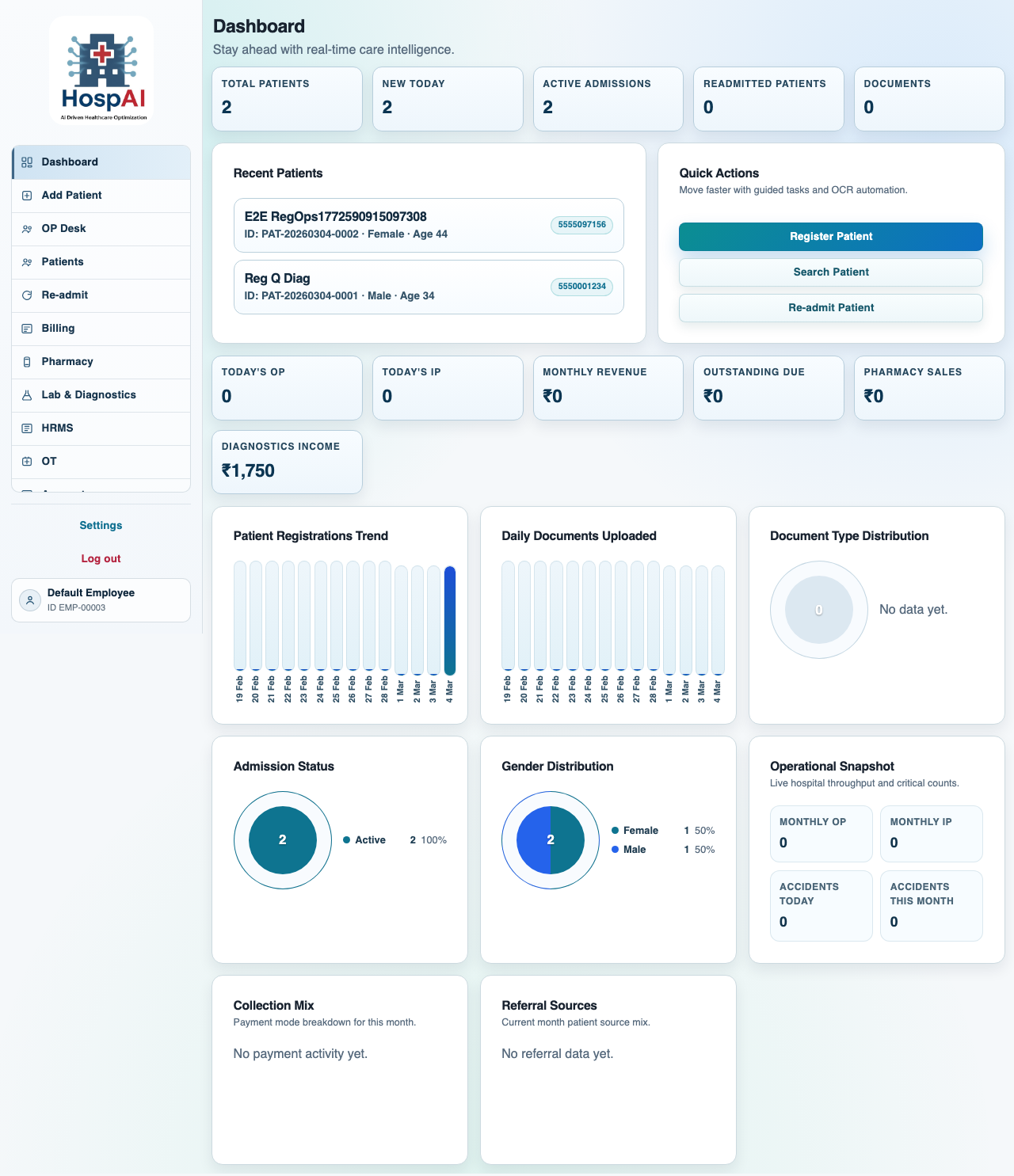
Dashboard preview
Dashboard and hospital summary
Billing preview
Billing operations workspace
Pharmacy preview
Pharmacy stock management
Diagnostics preview
Diagnostics panel and workflows
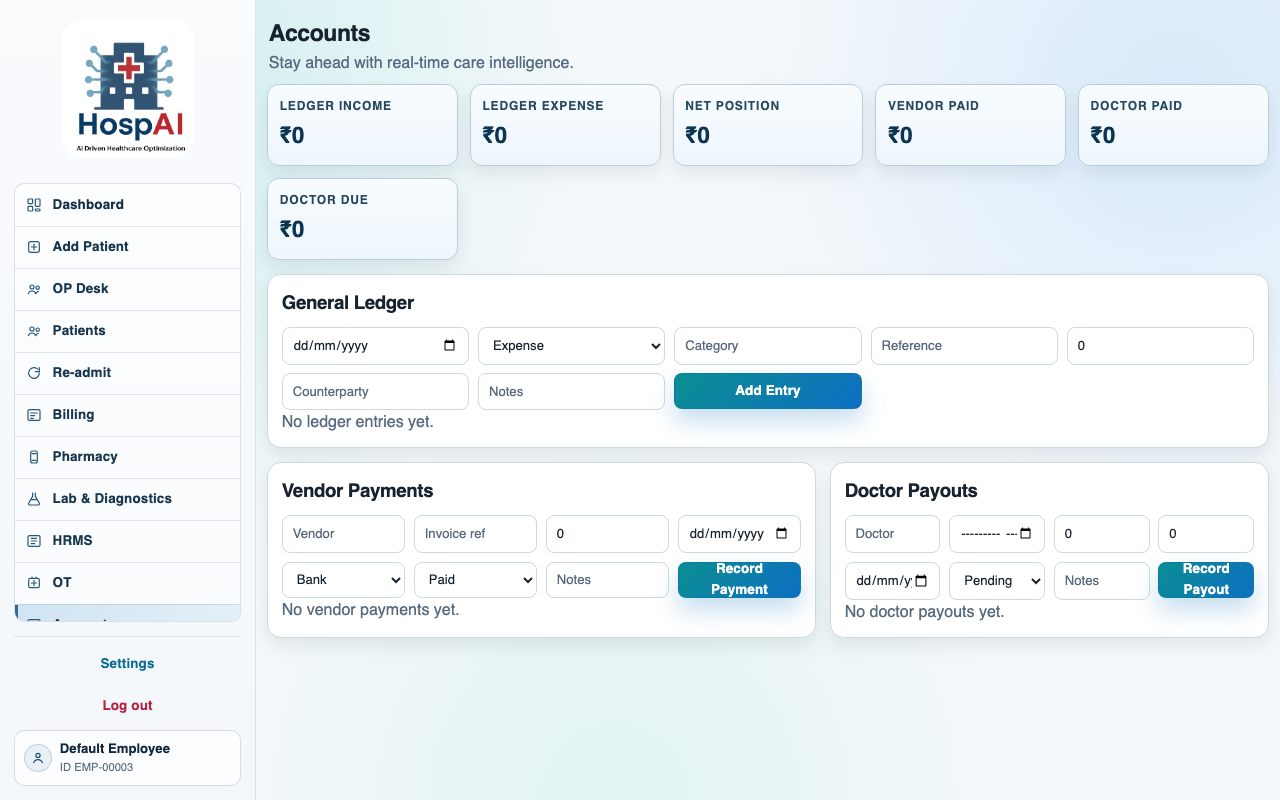
Accounts preview
Accounts and payouts workspace
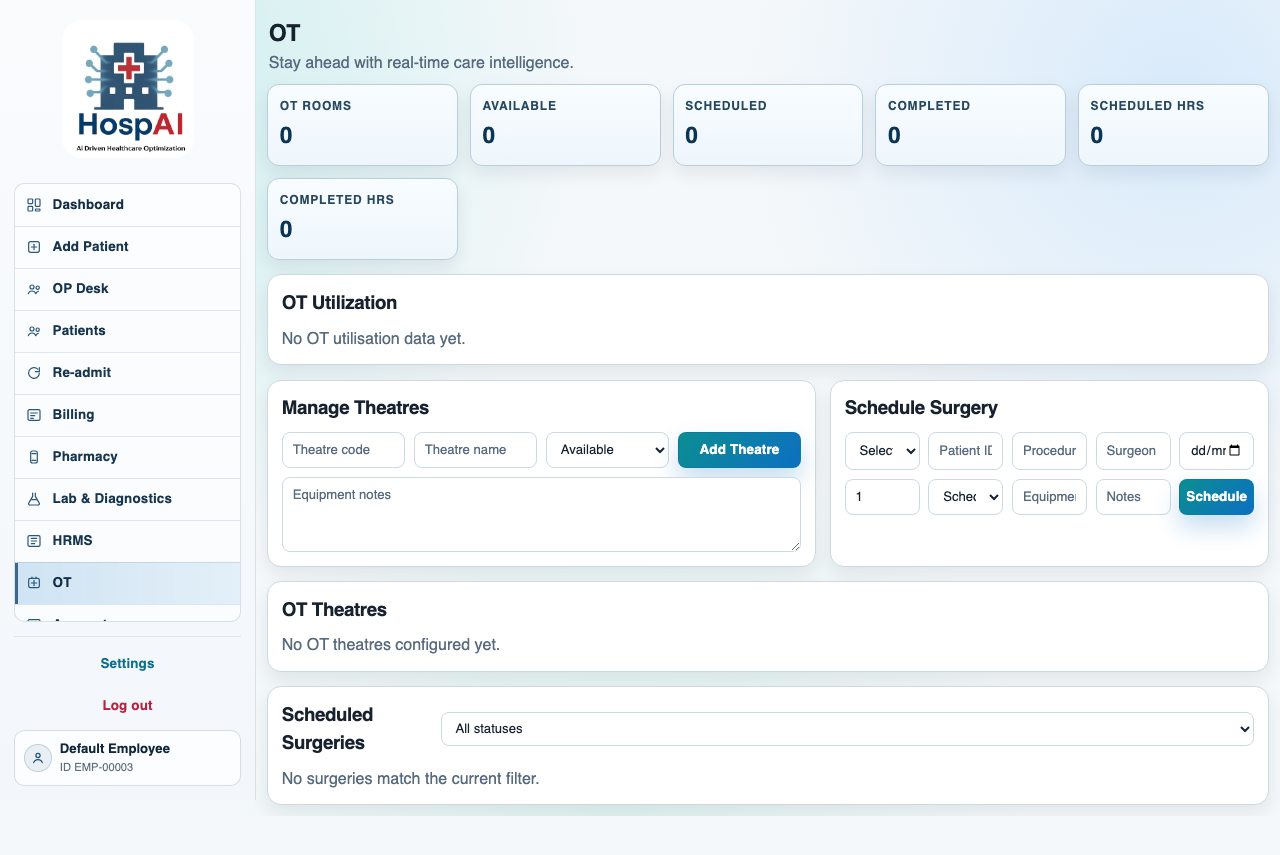
OT preview
OT planning and execution
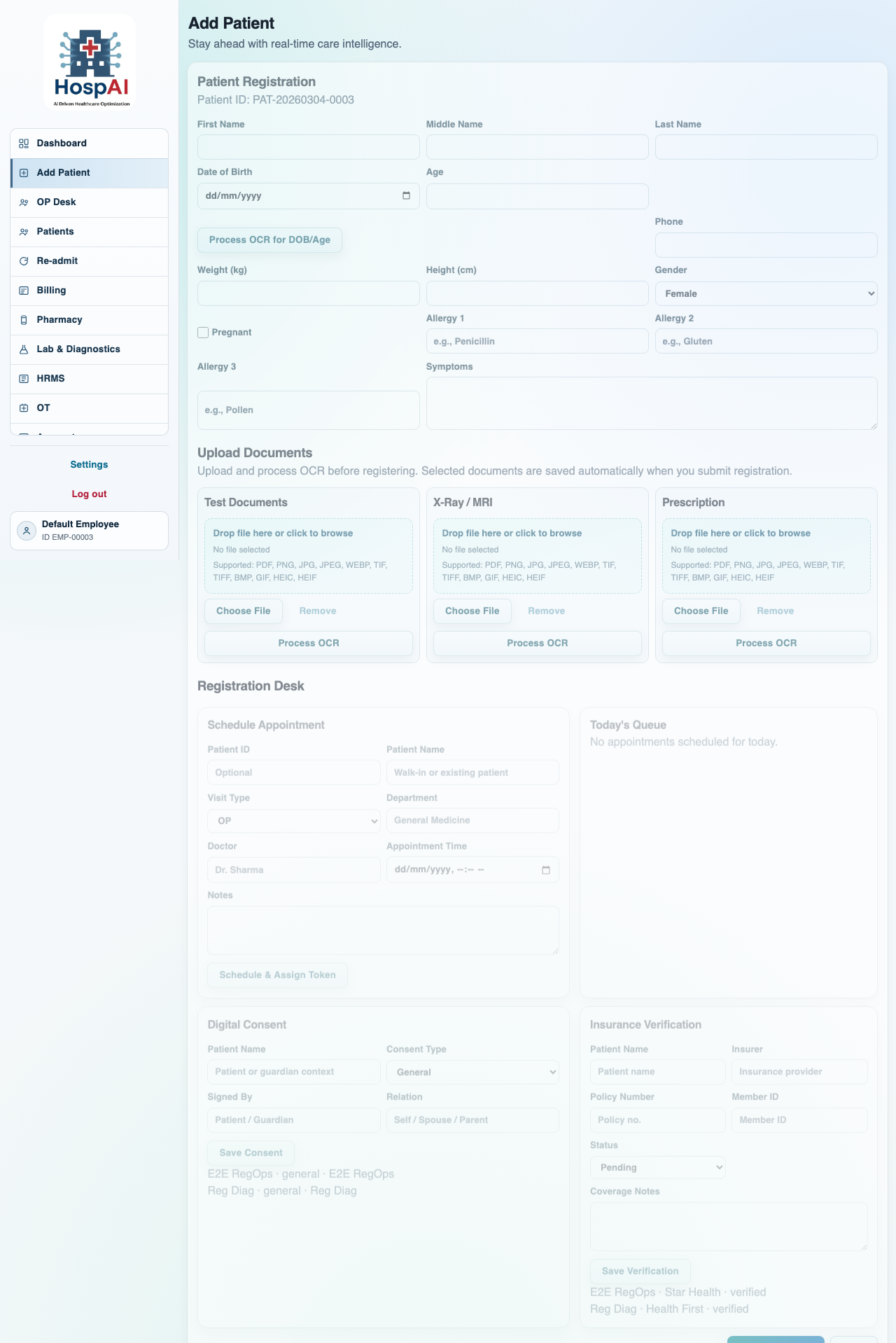
Registration workflow preview
Registration desk workflow

Onboarding and support

Organization onboarding includes workflow mapping, role configuration, module setup, and go-live support. Use Register to contact our team and receive implementation guidance for your hospital.

HospAI onboarding support team